

Welcome Bonus + Free Spins

Skyhills Payment Methods
Skyhills supports a full suite of payment options for Australian players, including Instant Banking, Visa, Mastercard, and Bitcoin. Deposits start from AUD 10, with withdrawals processed from AUD 20 and no platform fees on any transaction. Funds reach your account near-instantly for most methods, and payouts are typically completed within 24 hours. New players also qualify for a 200% Welcome Bonus up to AUD 1,500 on their first deposit.
How to Deposit on Skyhills in Australia
Funding your account takes under two minutes. You need a verified Skyhills account and a supported payment method to get started.
- Click the button below; Create or log in to your account. Use the button on this page to access the registration or login screen. New players complete a quick sign-up form before proceeding.
- Go to the Cashier; Open the Deposit section. Navigate to the Cashier tab in your account dashboard and select “Deposit” to view all available payment options.
- Select your payment method; Choose from Instant Banking, Visa, Mastercard, or BTC. Pick the method that suits you best. Each option displays its minimum deposit amount and processing time upfront.
- Enter the deposit amount; Type in the amount you want to deposit in AUD. The minimum deposit is AUD 10. Confirm the amount before proceeding to avoid errors.
- Confirm the transaction; Authorise the payment through your chosen provider. Follow any verification prompts from your bank or crypto wallet. Funds appear in your Skyhills balance instantly or within a few minutes.
Skyhills First Deposit Bonus for New Players
Skyhills awards new Australian players a 200% Welcome Bonus on their first deposit, up to a maximum of AUD 1,500. This offer applies to the casino section and is activated automatically when you make your first qualifying deposit.
Bonus Details
- Bonus percentage: 200% of your first deposit amount;
- Maximum bonus: AUD 1,500;
- Minimum deposit to qualify: AUD 20;
- How to activate: Make your first deposit via any supported payment method. The bonus credits to your account automatically. No promo code is required;
- Wagering requirement: The bonus and any winnings derived from it must be wagered 35x before a withdrawal request can be submitted;
- Eligible section: Casino games, including pokies, table games, and live dealer titles.

Skyhills Deposit Methods, Time, and Limits
Australian players can fund their accounts using four core payment methods: Instant Banking, Visa, Mastercard, and Bitcoin. Skyhills charges zero commission on all incoming transactions, and most deposits are credited instantly or within 15 minutes.
| Deposit Method | Min Deposit (AUD) | Max Deposit (AUD) | Deposit Time | Fees |
|---|---|---|---|---|
| Instant Banking | AUD 10 | AUD 10,000 | Instant | None |
| Visa | AUD 10 | AUD 5,000 | Instant | None |
| Mastercard | AUD 10 | AUD 5,000 | Instant | None |
| Bitcoin (BTC) | AUD 20 | AUD 50,000 | Up to 15 min | None |
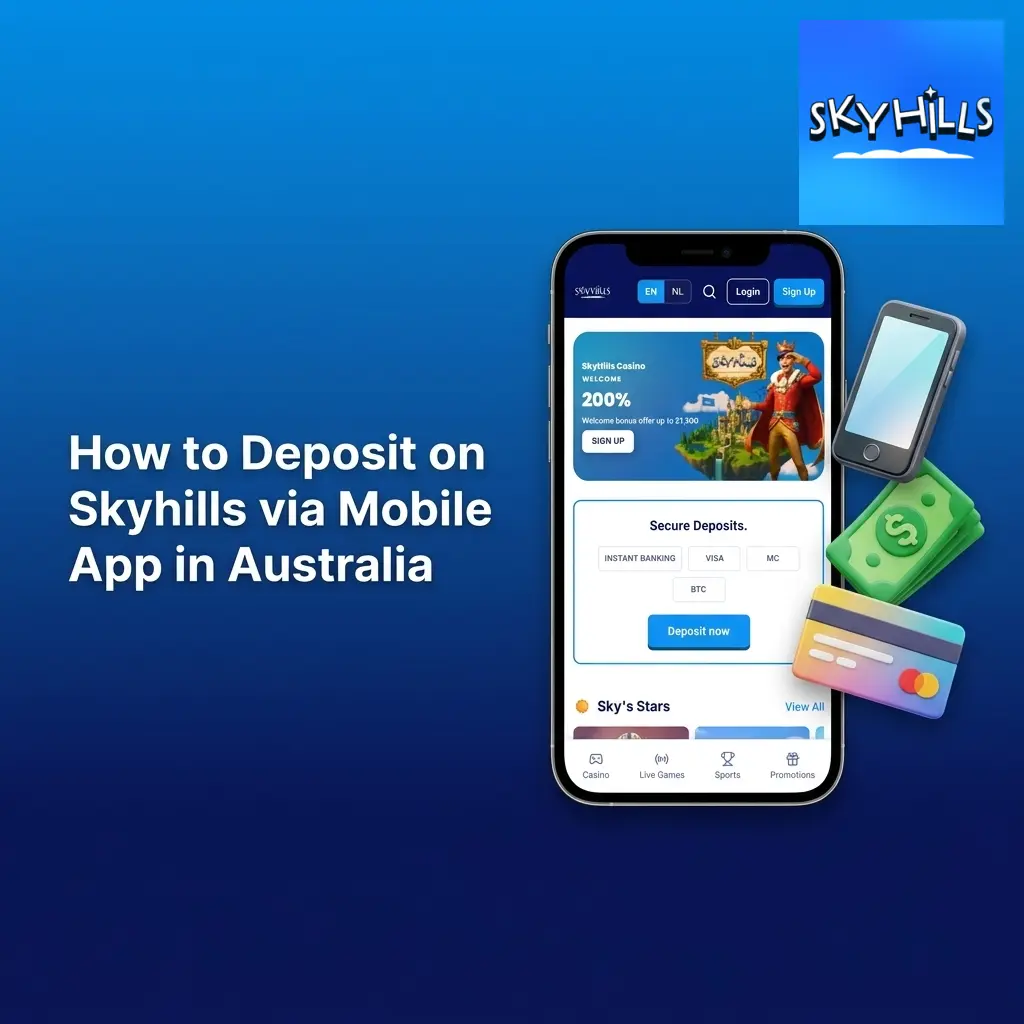
How to Deposit on Skyhills via Mobile App in Australia
The Skyhills app supports full cashier functionality on iOS and Android devices. You need a funded device, a stable internet connection, and your account credentials to complete a mobile deposit.
- Open the Skyhills app or site on your mobile; Log in to your account. Launch the app on your smartphone or open this page in your mobile browser and tap Log In to access your account.
- Tap the Cashier icon; Access the Deposit screen. The Cashier icon appears in the top navigation bar. Tap Deposit to open the list of available payment methods.
- Choose a payment method; Select Instant Banking, Visa, Mastercard, or BTC. The mobile cashier displays the same options as the desktop version, including real-time processing times.
- Enter your deposit amount; Input the AUD amount you want to add to your balance. The minimum mobile deposit is AUD 10. Double-check the amount before tapping Confirm.
- Authorise the payment; Complete verification via your bank app or crypto wallet. For card payments, your bank may trigger a 3D Secure prompt. For BTC, confirm the transaction in your wallet app. Funds appear in your balance immediately upon confirmation.
How to Withdraw Money from Skyhills
Before submitting a withdrawal request, your account must be fully verified and any active bonus wagering requirements must be met. Identity verification is a one-time process completed in the account settings.
- Click the button on this page; Log in to your verified Skyhills account. Use the login option available on this page to access your account. Ensure your KYC documents have been approved before proceeding.
- Go to the Cashier; Select the Withdraw tab. Open the Cashier section from your account menu and tap or click Withdraw to view your available payout options.
- Select your withdrawal method; Choose the same method used for your deposit. Skyhills applies a same-method policy for withdrawals where possible. Select from Instant Banking, Visa, Mastercard, or BTC.
- Enter the withdrawal amount; Specify the AUD amount you want to withdraw. The minimum withdrawal is AUD 20. Confirm the amount matches your intended payout before submitting.
- Submit the request; Wait for processing to complete. Most withdrawal requests are processed within 24 hours. Bitcoin withdrawals may be completed faster depending on network conditions.
Skyhills Withdrawal Methods, Time, and Limits
Australian players can withdraw their winnings using Instant Banking, Visa, Mastercard, or Bitcoin. Skyhills does not charge any fees on outgoing transactions, and most requests are processed within 24 hours of submission.
| Payment Method | Min Withdrawal (AUD) | Max Withdrawal (AUD) | Withdrawal Time | Fees |
|---|---|---|---|---|
| Instant Banking | AUD 20 | AUD 10,000 | Up to 24 hours | None |
| Visa | AUD 20 | AUD 5,000 | Up to 3 business days | None |
| Mastercard | AUD 20 | AUD 5,000 | Up to 3 business days | None |
| Bitcoin (BTC) | AUD 20 | AUD 50,000 | Up to 24 hours | None |
How to Withdraw Funds from Skyhills via App in Australia
The Skyhills mobile app allows you to submit withdrawal requests directly from your smartphone. You need a verified account, a completed KYC check, and a cleared balance to initiate a payout.
- Open the Skyhills app or mobile site; Log in to your account. Access this page on your mobile device or open the Skyhills app and tap Log In. Ensure your account verification is complete before proceeding.
- Tap the Cashier icon; Navigate to the Withdraw section. Locate the Cashier tab in the app’s navigation menu and select Withdraw to view available payout methods.
- Choose your withdrawal method; Select from Instant Banking, Visa, Mastercard, or BTC. Pick the same method used for your most recent deposit where possible, in line with the platform’s same-method policy.
- Enter the amount; Specify the AUD amount you want to withdraw. The minimum mobile withdrawal is AUD 20. Review the amount carefully before tapping Confirm.
- Submit the request; Monitor your withdrawal status in the transaction history. The app displays real-time status updates under Transaction History. Most payouts are completed within 24 hours.
Skyhills Payment Rules and Conditions
All financial transactions on the platform are governed by a set of standard conditions designed to protect players and maintain account security. The following rules apply to all Australian accounts:
- Same-method withdrawal policy: Winnings must be withdrawn using the same payment method used to fund the account. If the original method is unavailable, contact support to arrange an alternative;
- KYC verification requirement: All accounts must complete identity verification before a withdrawal request is approved. Accepted documents include a valid Australian passport, driver’s licence, or government-issued photo ID;
- Bonus wagering conditions: Any active welcome bonus or promotional funds must meet the stated wagering requirements (35x for the welcome offer) before withdrawal of bonus-derived winnings is permitted;
- Minimum transaction limits: The minimum deposit is AUD 10 for card and Instant Banking methods and AUD 20 for Bitcoin. The minimum withdrawal across all methods is AUD 20;
- Currency policy: All transactions on Australian accounts are processed in AUD. Crypto deposits are converted to AUD at the exchange rate applicable at the time of the transaction.
Possible Problems with Payments on Skyhills
A small number of payment issues can arise during deposits or withdrawals. Most are resolved quickly with the right information:
- Deposit not credited: If funds leave your bank or wallet but do not appear in your balance within 30 minutes, check your transaction history for a pending status. Contact support with your transaction reference number if the issue persists after 1 hour;
- Withdrawal request pending for over 24 hours: Requests delayed beyond 24 hours are usually held for a manual security review. Log in to your account and confirm that all KYC documents are approved. If verification is complete, contact the support team to request a status update;
- Card payment declined: Australian banks occasionally block transactions to online gambling platforms. Contact your bank directly to authorise the transaction category, or switch to Instant Banking or Bitcoin as an alternative deposit method;
- Withdrawal rejected due to unmet wagering: If your withdrawal is declined, check your bonus balance in the account dashboard. All active bonuses must reach the 35x wagering threshold before a payout is released;
- Incorrect account details submitted: Withdrawals sent to incorrect banking details cannot be reversed once processed. Always double-check your BSB, account number, or crypto wallet address before confirming a payout request.

Customer Support Contacts for Payment Inquiries
Skyhills provides dedicated support for all payment-related inquiries, available around the clock to assist Australian players with deposits, withdrawals, and account verification.
- Live Chat: Available 24/7 directly through your account dashboard. Connect with an agent in under two minutes for urgent payment issues;
- Email: Send detailed payment queries to the support address listed in your account’s Help section. Responses are typically delivered within 12 hours;
- Help Centre: Access the FAQ and payment troubleshooting articles through the Help section of the platform for instant self-service answers.

FAQ
Can I use a different method to withdraw than the one I used to deposit?
Skyhills applies a same-method withdrawal policy as a standard security measure. If your original deposit method is no longer available, contact the support team via live chat to arrange an approved alternative before submitting your request.
Are there any daily or weekly withdrawal limits on the platform?
Withdrawal limits apply per transaction: a minimum of AUD 20 and a maximum of AUD 10,000 for Instant Banking and up to AUD 50,000 for Bitcoin. If you need to withdraw a larger amount, contact support to discuss account-level arrangements.
How long does account verification take before my first withdrawal?
KYC verification is typically completed within 24 to 48 hours of document submission. Submitting clear, valid copies of your Australian ID upfront reduces processing time. Withdrawals are held until verification is fully approved.
Do crypto conversions affect the amount I receive on withdrawal?
Bitcoin withdrawals are converted from AUD at the exchange rate applicable at the time of the transaction. Exchange rate fluctuations can affect the final crypto amount received. The AUD value of your request remains fixed at the point of submission.
Is it safe to save my card or banking details in my account?
All payment information stored in your Skyhills account is protected by SSL encryption and complies with applicable data security standards. Saved details are used exclusively for your own future transactions and are not accessible to third parties.