

Welcome Bonus + Free Spins

Skyhills Registration & Account Verification Process in Australia
Open a Skyhills account and you get full access to the sportsbook and casino, including live dealer tables and specialised markets on the AFL, the NRL and the EPL. Choose from multiple registration paths: single click sign up, mobile number verification or email registration. A verified profile lets you deposit instantly and withdraw within hours, not days. New players in Australia claim a 200% welcome bonus up to AUD 1,500 on their first deposit.
How to Register on Skyhills in Australia
Skyhills sign up takes less than two minutes. Complete the form once and activate your new account across both the casino and sportsbook.
Click the green sign up button on this page to open the registration form.
Select email registration, mobile number verification or a linked social account to speed up the form.
Provide your full name, date of birth, residential address and a secure password.
Choose AUD as your account currency and confirm your email address through the link sent to your inbox.
Accept the terms and conditions, confirm you are 18 or older and opt in to the 200% welcome bonus.
Deposit a minimum of AUD 20 via PayID, Visa, Mastercard or Neosurf to activate your welcome bonus.
Skyhills Registration Bonus for Players from Australia
New players from Australia receive a 200% welcome bonus up to AUD 1,500 on their first deposit. The bonus applies across the casino and sportsbook, adding extra funds to spin pokies or back your team.
| Detail | Value |
|---|---|
| Bonus size | 200% up to AUD 1,500 |
| Minimum qualifying deposit | AUD 20 |
| Wagering requirement | 35x the bonus amount |
| Validity period | 30 days from activation |
Complete your qualifying deposit within 7 days of registration to receive the full match amount.

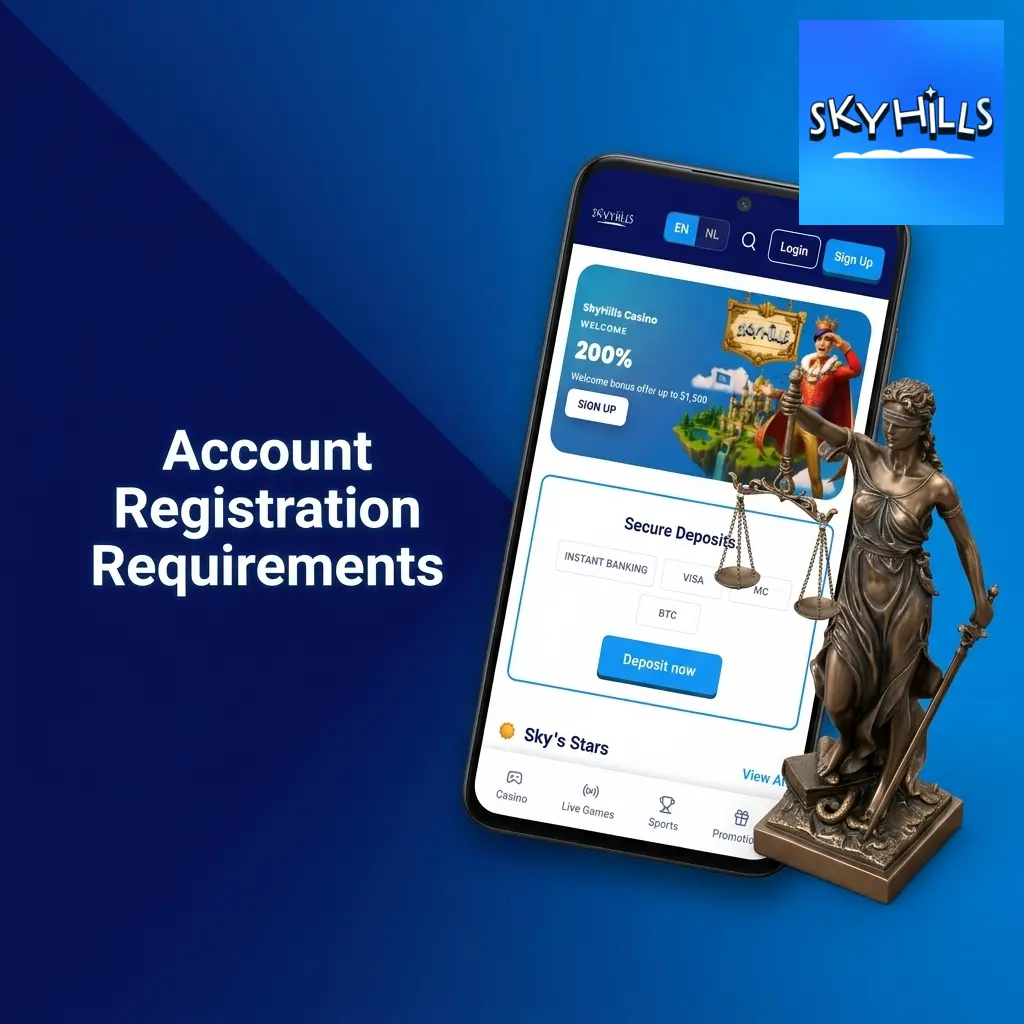
Account Registration Requirements
Skyhills registration is open to players who meet a short list of conditions. Review these requirements before you create an account.
- You must be 18 years of age or older to register.
- You must reside in Australia and provide a valid Australian address.
- You may hold one account per person, per household and per IP address.
- You must provide accurate personal details matching your identification documents.
- You must accept the Skyhills terms and conditions and privacy policy during sign up.
How to Log in to Skyhills Account
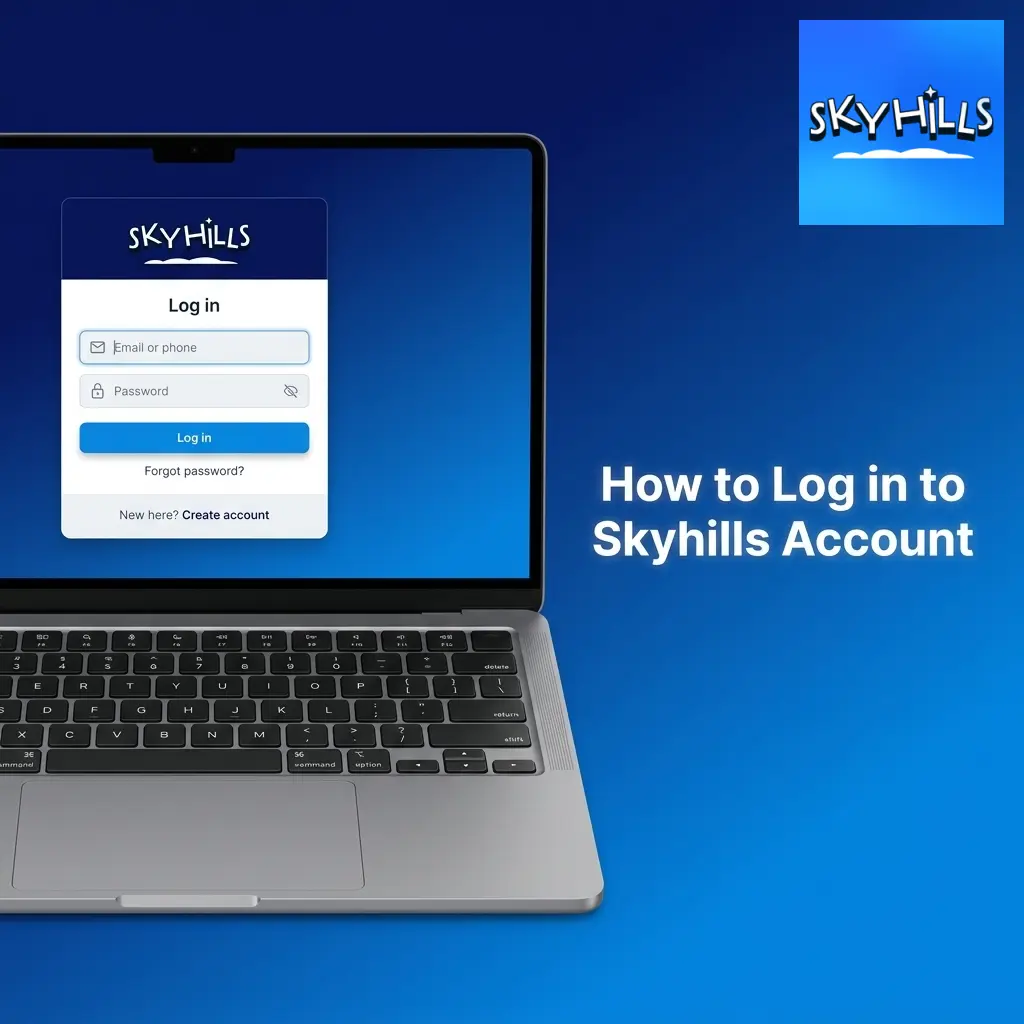
Your Skyhills account login gives you access to your balance, bonuses and bet history. The process takes seconds once your account is set up.
- Click the log in button at the top of this page.
- Enter the email address or mobile number used during registration.
- Enter your password.
- Click confirm to access your dashboard.
Enable two factor authentication in your account settings for an added layer of protection.
How to Verify Account on Skyhills
Verification confirms your identity and protects your account from unauthorised access. Skyhills requires verification before processing your first withdrawal, in line with Australian gambling regulations.
Upload a clear photo of your driver’s licence, passport or Medicare card.
Upload a utility bill or bank statement dated within the last 3 months.
Upload a photo of the card or digital wallet used for your deposit, with the middle digits masked.
Our verification team reviews documents within 24 hours and sends a confirmation email once your account is approved.
How to Register on Skyhills via Mobile App
Skyhills operates as a progressive web app, so you register directly through your mobile browser without downloading from an app store. The mobile form matches the desktop version and adapts to your screen size.
Visit the site on Chrome or Safari and tap the menu icon.
Tap ‘Add to Home Screen’ to install the app icon on your device for quick access.
Open the icon from your home screen and tap the sign up button.
Enter your name, date of birth, address and password using the mobile keyboard.
Enter the 4 digit code sent via SMS to confirm your number.
Fund your account through PayID or Neosurf and start betting or spinning pokies from your phone.
Possible Problems and Their Solutions When Registering on Skyhills
Most players complete registration without issue. A small number encounter one of these common hurdles.
| Problem | Solution |
|---|---|
| Email already registered | Use the password reset tool or contact support to recover your existing account. |
| Age verification failed | Submit a clearer photo of your driver’s licence or passport on the verification page. |
| SMS code not received | Request a new code after 60 seconds or switch to email verification. |
| Deposit declined | Confirm your card supports online gambling transactions or switch to PayID. |
| Address mismatch | Update your residential address in your profile to match your ID document. |

Steps to Delete a Personal Account
Account closure on Skyhills takes a few minutes through our support team. Follow these steps to complete the process.
- Log in to your account and open the support chat.
- Request account closure and confirm your identity with your registered email.
- Choose between temporary self exclusion or permanent deletion.
- Confirm the request and receive an email confirmation within 24 hours.
Contacts and Customer Support in Terms of Registration
The Skyhills support team operates 24/7 for players in Australia. Reach out through any of the following channels if you hit a snag during registration or verification.
- Live chat: available on the website around the clock;
- Email: [email protected] for document submission and account queries;
- Help centre: searchable articles covering registration, deposits and verification;
- Phone callback: request a call through the contact form for urgent issues.

FAQ
How long does registration online take?
Registration takes under two minutes. Verification of your documents takes up to 24 hours before your first withdrawal is processed.
Can I complete sign up with a social media account?
Yes. Link your Google or Facebook profile during registration to reduce manual data entry for your name and email.
What currency can I use for my new account?
Your account runs in AUD. Deposits and withdrawals are processed in Australian dollars without conversion fees.
Can I open two Skyhills accounts?
No. Skyhills allows one account per person, per household and per IP address under its terms and conditions.
What happens if I forget my password?
Click ‘Forgot password’ on the login page and reset it through the link sent to your registered email within 5 minutes.